How to access UKG Web Version from of Phone
You can go directly to the URL for PRO: https://psgcommunity.ukg.net
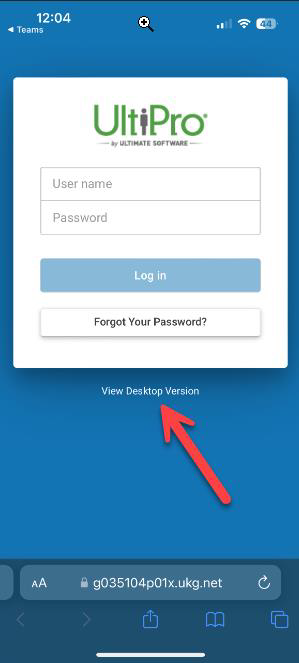
Select to “View Desktop Version”
Company Access Code: psgcommunity
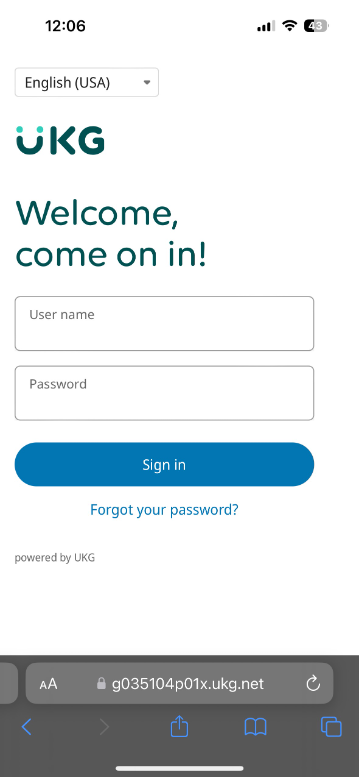
Enter your credentials
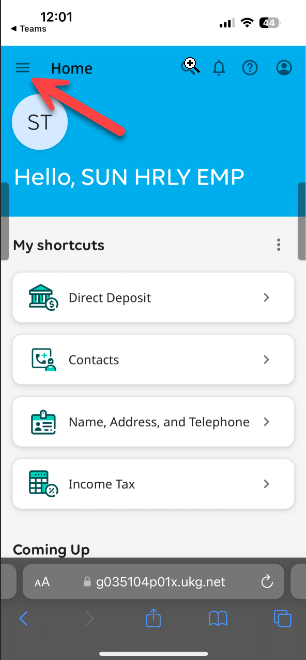
Select the top left Menu Icon
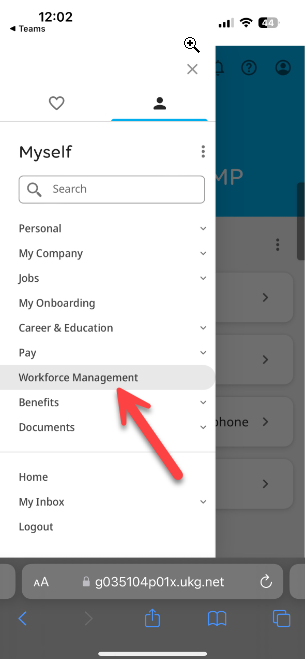
Select Workforce Management
From WFM you can Punch, View their Timecard, See Notifications
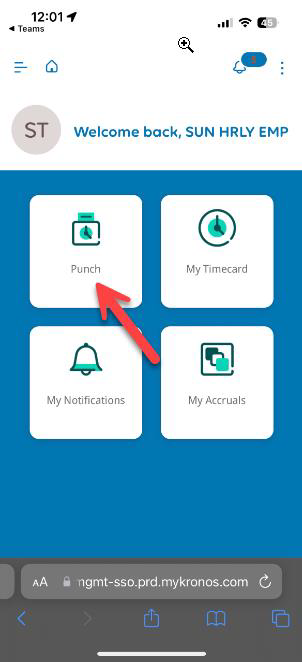
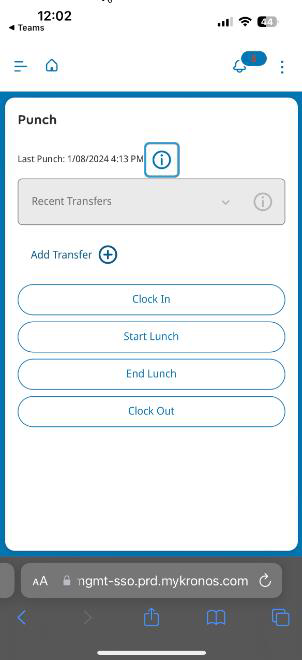
You will be able punch from here just as they can on Web
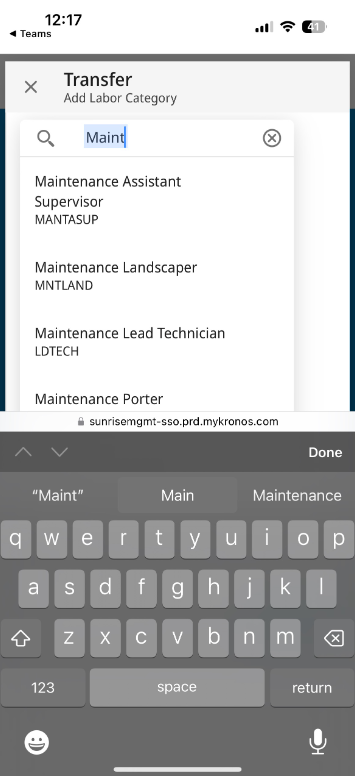
If you need to transfer your time you can search for the location
Was this article helpful?
That’s Great!
Thank you for your feedback
Sorry! We couldn't be helpful
Thank you for your feedback
Feedback sent
We appreciate your effort and will try to fix the article